Stop managing your au pair through WhatsApp.
AuPairSync gives your whole family one shared space for schedules, tasks, kids' info, and daily communication — without the group chat chaos.
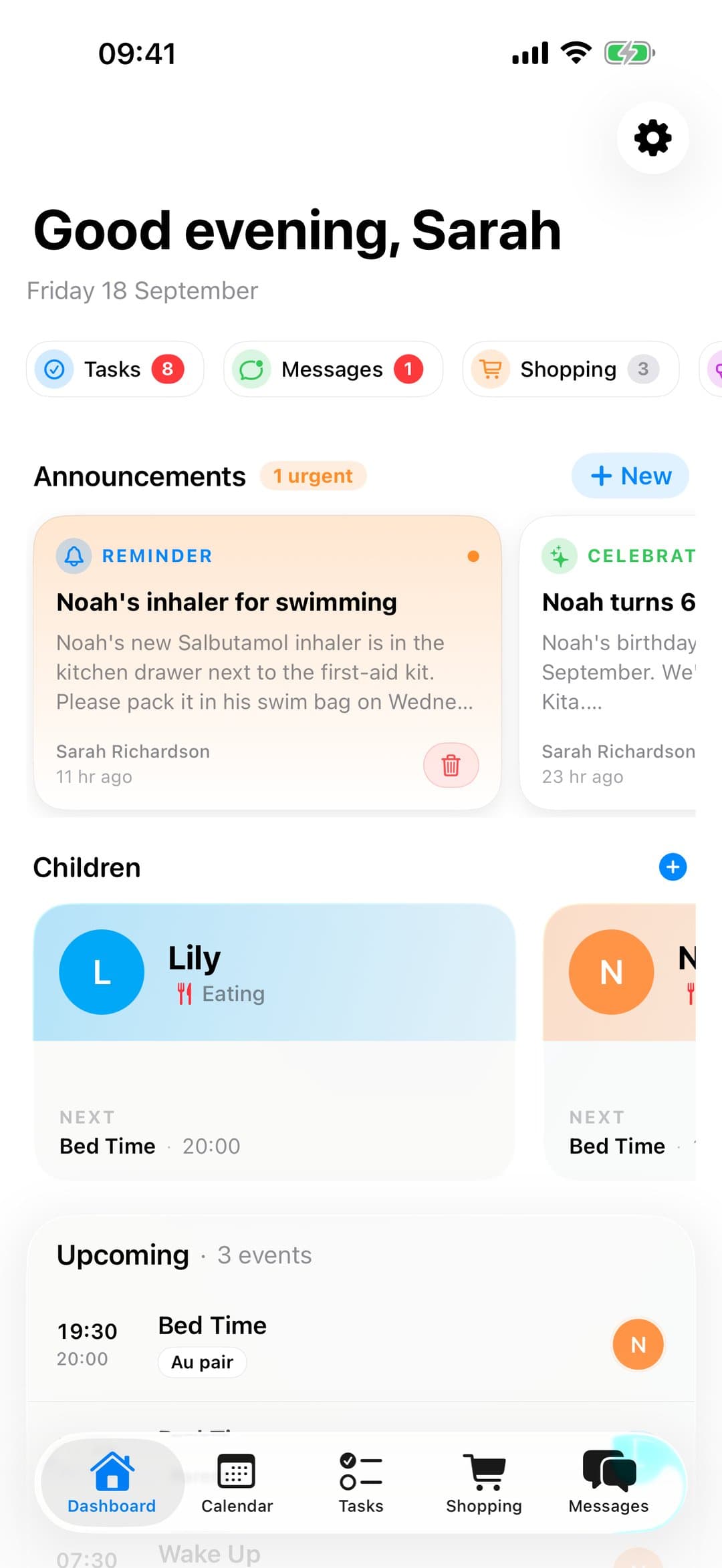
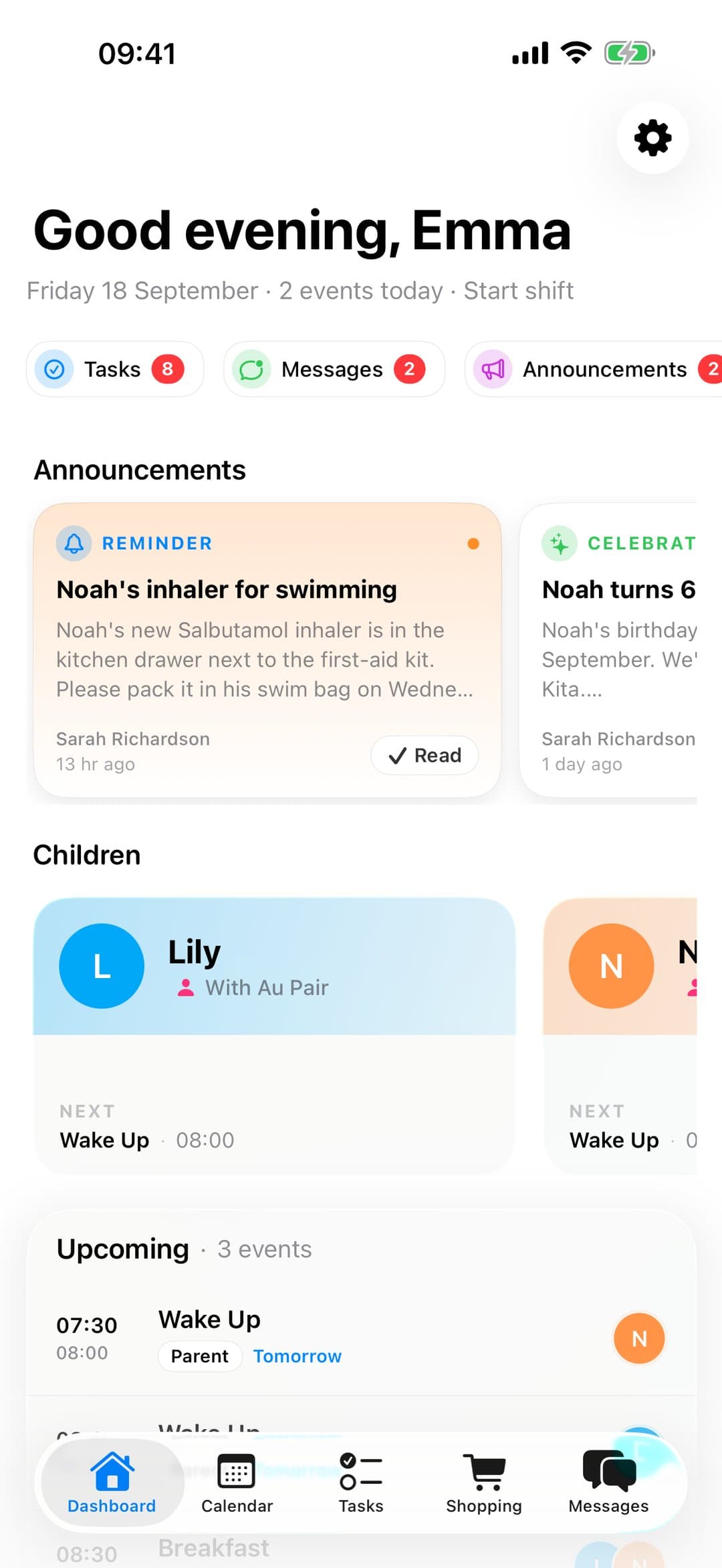
Sound familiar?
“Schedules live in 3 different apps”
One shared calendar your au pair can always check
“You repeat the same info every week”
Kids' profiles with allergies, routines, and emergency contacts — set once, always accessible
“You never know what got done”
Tasks with photo confirmation so you see progress without asking
Life before and after AuPairSync
Texting the au pair, updating the calendar, calling the school — all separately.
One shared calendar with pickup details and the child's school info in their profile.
Sticky notes, WhatsApp lists, verbal reminders that get forgotten by lunchtime.
Clear task list with deadlines, photo instructions, and completion tracking.
See it in the app
Your au pair pays for the swimming goggles and adds the receipt. The app reads the amount, and the claim lands on your phone. Pocket money and the handover to your next au pair work the same way: set up once, and you both see the same thing.
More short videos
Longer guides
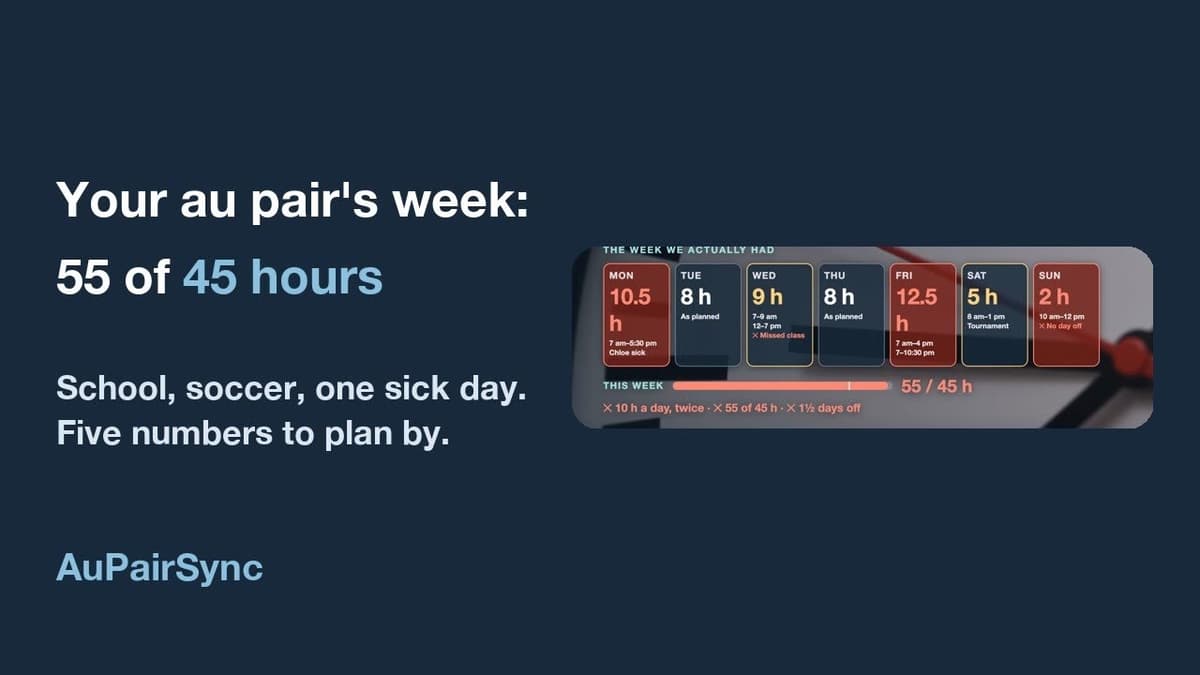
Three walk-throughs for families in the US: the first month, the whole year’s budget, and a working week within the J-1 hours.


Everything you need, in one place
Shared Calendar
Schedule weeks in advance, au pair always knows what's coming
Task Management
Assign tasks, get photo confirmations, no follow-up needed
Child Profiles
Centralised profiles your au pair can reference any time
Messaging
Contextual messages tied to tasks and events, not lost in group chats
Shopping & Expenses
Shared shopping lists, receipt tracking, and one-tap reimbursement requests
Secure Documents
Encrypted storage for visas, passports, and contracts with expiry alerts
How to get started
Set up your family in four steps — before your au pair even arrives.
- 1
Download AuPairSync
Get the app on your phone in under a minute. Free for 30 days, then €4.99 a month for the whole family.
- 2
Set up your family profile
Add your children, their routines, allergies, and emergency contacts. Set it once, your au pair always has access.
- 3
Invite your au pair
Share a join link from the app. Your au pair connects instantly and sees everything they need.
- 4
Create your first week
Add recurring events, tasks, and pick-up times. Your au pair will always know what's coming.
Download Our Au Pair Schedule Template
Printable PDF planner with per-child rows, a filled-in example week and five scheduling tips.
One app. One place. Less chaos.
Join families who stopped juggling WhatsApp, Google Calendar, and sticky notes — and started using AuPairSync.
Why families trust AuPairSync
- We comply with the GDPR.
- We do not sell, rent or share personal data for third-party marketing, and we do not use Google Analytics for advertising.
- Family data is stored with Firebase (Google Cloud). Transfers to the US rely on the EU-US Data Privacy Framework (Google Cloud), Standard Contractual Clauses and data processing agreements with our vendors.
- Data travels encrypted (HTTPS/TLS), access is restricted with Firebase Security Rules, and you can sign in with Apple or Google.
- You can delete your account yourself in the app, or ask us by email; we process requests within 30 days.
- Available on iPhone (App Store) and Android (Google Play).
- The app comes in 7 languages: English, German, Spanish, French, Dutch, Portuguese (Brazil) and Chinese (Simplified).
- Free for 30 days, then €4.99 a month for the whole family Au pairs never pay: the host family's subscription covers them.