Coming from Maple?
Maple has announced that it shuts down on 31 December 2026. If your family used it, this page says whether AuPairSync fits, what is different, and what moving over involves.
As of 2 October 2026
What Maple has announced
Maple's own notice says: "Maple will sunset on December 31, 2026." Your data stays accessible until then. After that, "All data will be deleted and there will be no way to recover it once Maple is officially shut down." Annual subscriptions will no longer renew, and monthly subscriptions stay active until 31 December.
Source: Maple's notice on growmaple.com. We checked it on 2 October 2026. For the current wording, go to Maple's site.
Is AuPairSync right for your family?
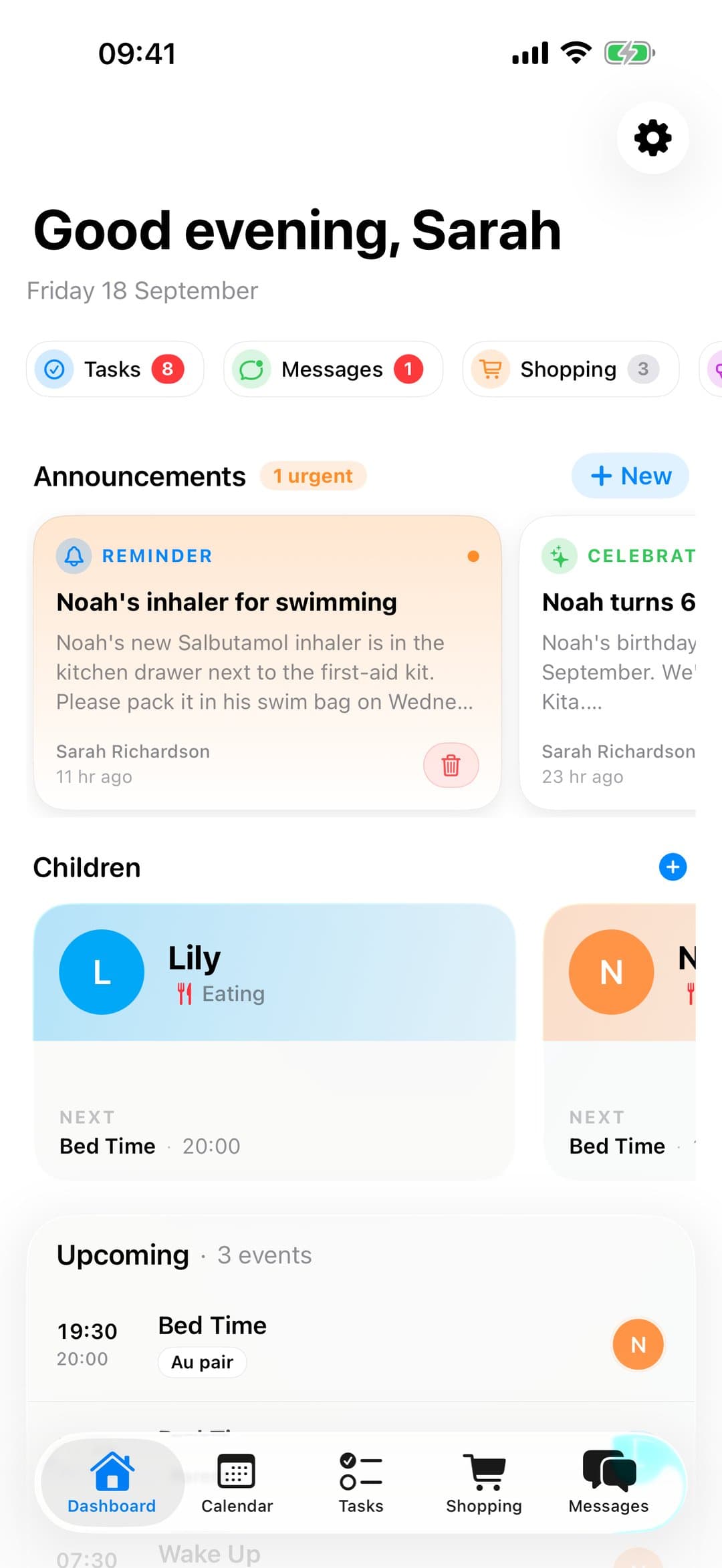
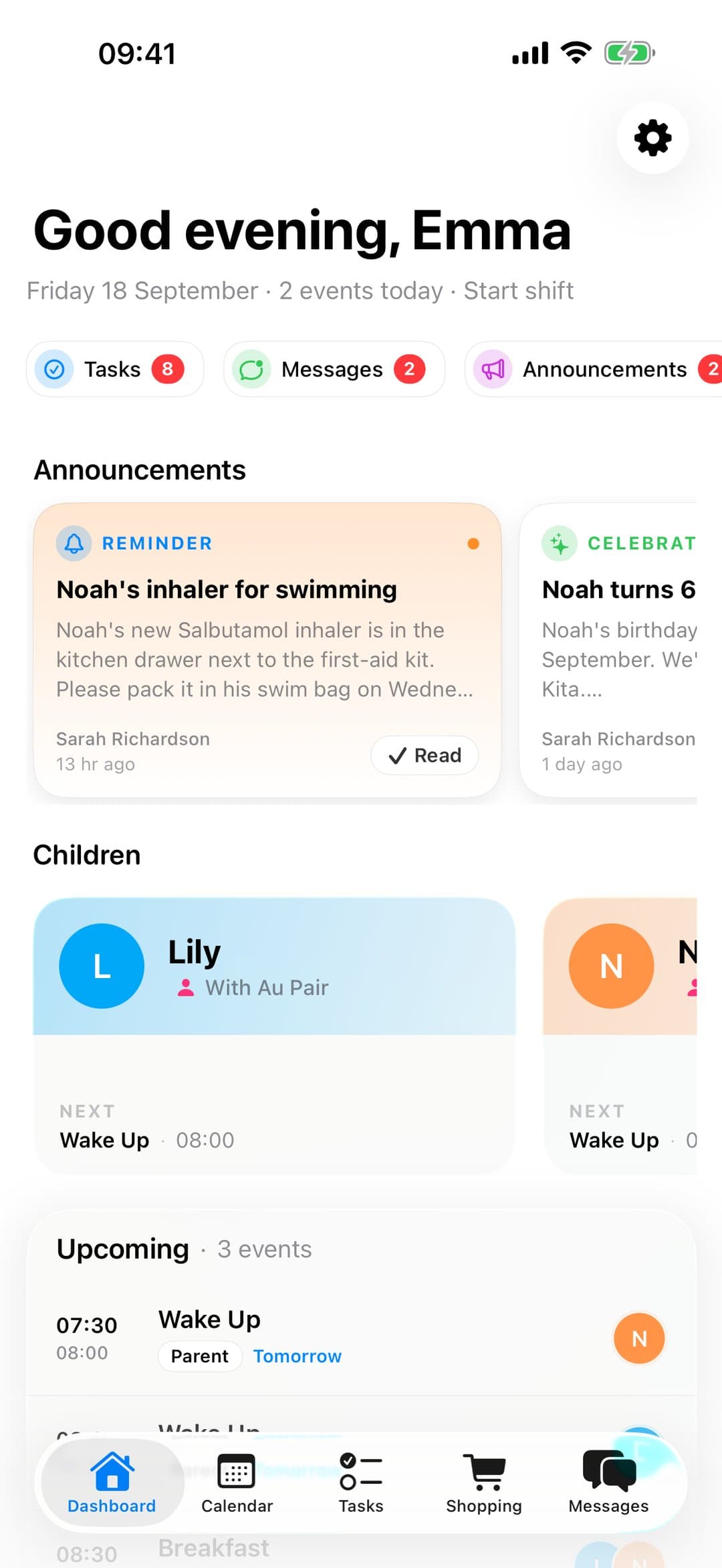
AuPairSync is built for families with an au pair, or a similar live-in carer. The host family and the au pair share one plan, and the whole app is organised around that pair.
If you used Maple purely as a household planner and there is no au pair in your home, we would rather say it straight: AuPairSync may be more than you need, or simply different from what you are looking for. It is not a general household organizer for every family.
What carries over, and what is different
What will feel familiar
Shared calendar
One calendar for the household, with events that repeat, like school pickups or swimming lessons.
Tasks and routines
Assign tasks with a due date, and set the ones that come back every week once.
Shopping lists
Shared lists that everyone in the family can see and update.
Messages
Talk in the app, with conversations that link to the related tasks and shopping items.
What is different with an au pair
One plan for host family and au pair
Your au pair joins your family in the app and sees the same plan you do.
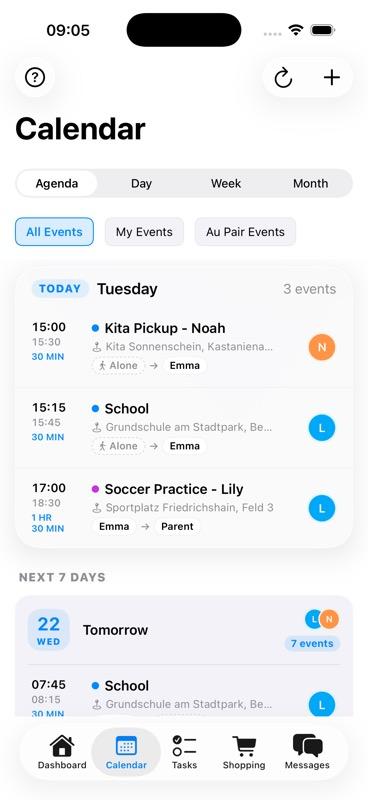
Working hours within the agreed limits
Plan your au pair's week and see it against the limits you have agreed.
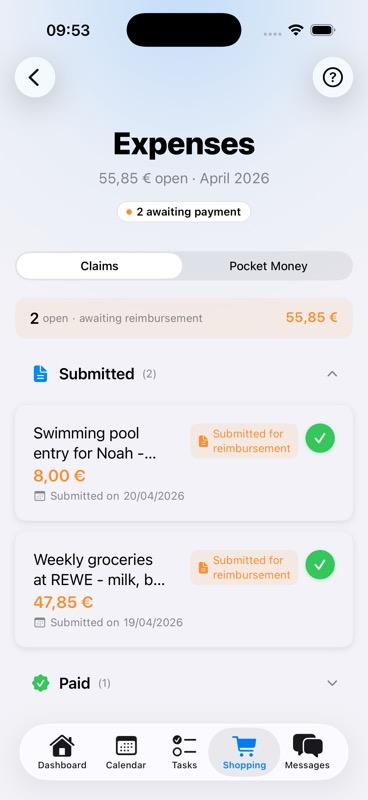
Pocket money and expenses
Your au pair adds a receipt and you approve the claim. Pocket money is set up once, and you both see the same thing.
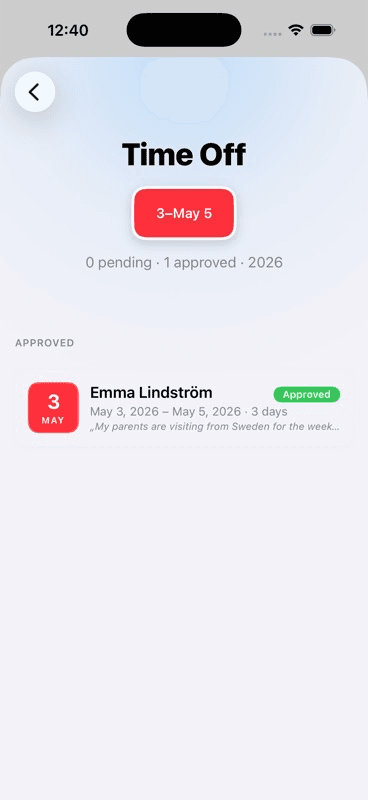
Time off
Time off is booked in the app and shows in the calendar on every day it covers.
Moving over
There is no import from Maple. You set up your family, your children and your week from scratch in AuPairSync.
Before 31 December, export your data from Maple for your own records. Maple says everything is deleted after that date.
- 1
Export your Maple data
Keep a copy for yourself before 31 December, using Maple's own export.
- 2
Set up your family profile
Add your children, their routines, allergies, and emergency contacts. Set it once, your au pair always has access.
- 3
Invite your au pair
Share a join link from the app. Your au pair connects instantly and sees everything they need.
- 4
Create your first week
Add recurring events, tasks, and pick-up times. Your au pair will always know what's coming.
Price and start
AuPairSync is free for 30 days, then €2.99 a month for the whole family. No credit card needed to start.
Au pairs never pay: the host family's subscription covers them.
Download AuPairSync
Available for iPhone and Android.


The subscription covers the whole family on every phone. It is bought in the app: on iPhone through the App Store, on Android through Google Play.
Questions
Can I import my data from Maple?
No. There is no import from Maple, so you set up your family, your children and your week fresh in AuPairSync. Export your Maple data before 31 December for your own records.
Does AuPairSync work without an au pair?
It is built for families with an au pair or a similar live-in carer, and the app is organised around the host family and the au pair. Without one, it may be more than you need, or different from what you are looking for.
What does it cost?
AuPairSync is free for 30 days, then €2.99 a month for the whole family. No credit card needed to start. Au pairs never pay: the host family's subscription covers them.
Is there an iPhone and an Android app?
Yes. AuPairSync is in the App Store for iPhone and on Google Play for Android. The subscription covers the whole family on every phone. It is bought in the app: on iPhone through the App Store, on Android through Google Play.